
Build a Web Application: Step-by-Step Checklist

Sandor Farkas
Founder & Lead Developer
Expert in software development and legacy code optimization
LinkedIn
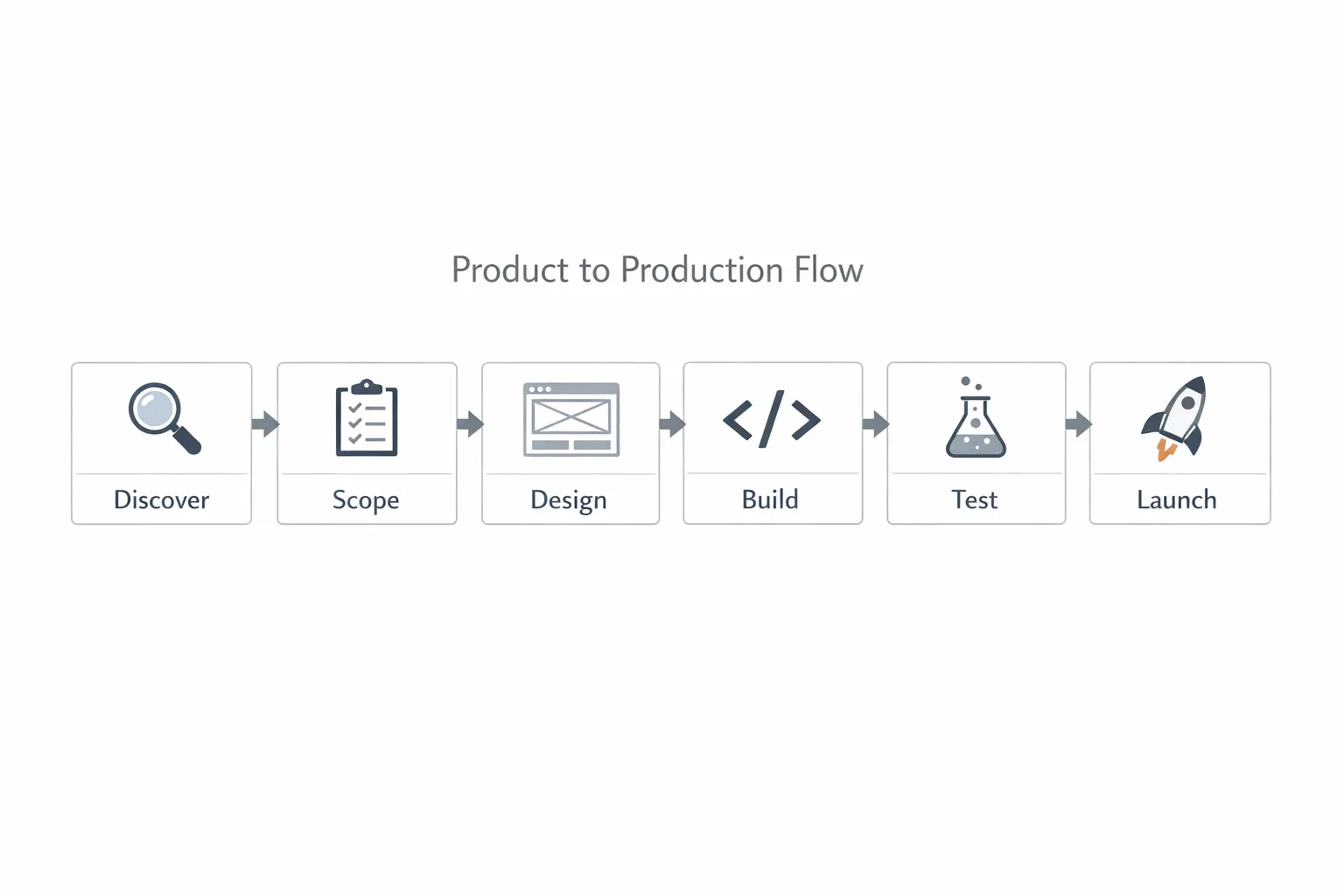
Building a web application is not just picking a framework and shipping features. It is a sequence of verifiable decisions that reduce risk, control cost, and accelerate learning. Use this step-by-step checklist to move from idea to a secure, scalable launch with fewer surprises.
How to use this checklist
This is a pragmatic, end-to-end flow for product leaders and engineering teams. Work through each step, confirm the items apply to your context, and mark anything you are unsure about as a risk to investigate in a thin vertical slice. If you are already in-flight, scan for gaps and add missing items to your backlog.
Step 1. Define outcomes and constraints
Before any code, decide why this app should exist and how you will measure success. Clarity here keeps scope, architecture, and budget aligned.
- Clarify target users, key jobs to be done, and top three outcomes
- Set measurable KPIs, for example conversion, activation, retention, cost per acquisition
- Establish timeline, budget range, compliance requirements, and data residency
- Decide success and stop conditions, what must be true to continue, and what would cause a pivot
Step 2. Validate the problem and concept
Lightweight validation prevents building the wrong thing. Prove the need and the value proposition quickly.
- Interview 5 to 10 real users, synthesize pain points and alternatives
- Map critical workflows and happy paths, capture must-have versus nice-to-have
- Prototype the riskiest interactions, click-through or low-code demo is enough
- Run a small usability test, adjust, then lock the MVP problem statement
Step 3. Scope the MVP and nonfunctional requirements
An MVP is not a prototype. It is a minimal set of features that proves value under real constraints.
- Define the smallest slice that solves a complete user job end to end
- Write acceptance criteria for each story, include edge cases and empty states
- Capture nonfunctional requirements, performance, availability, security, accessibility, observability
- Decide data retention, backup, and disaster recovery targets
Step 4. Choose architecture and tech stack deliberately
Pick tools that fit your constraints, your team, and your roadmap. Many teams benefit from a modular monolith early, microservices only when scale or autonomy demands it. For deeper guidance, see our post on how to choose the right tech stack in 2025.
- Choose frontend framework and rendering strategy, server rendered, static, or client-heavy
- Select backend runtime and framework that match your team’s skills and latency needs
- Select primary database, SQL or NoSQL, and reasons for the choice
- Decide hosting model and region strategy, consider cost, latency, compliance
- Align on configuration and deployment principles inspired by the Twelve-Factor App
Step 5. Model your data and define API contracts
Changing fundamental data models late is expensive. Invest early to reduce churn.
- Capture domain concepts, entities, and relationships, avoid overloaded fields
- Draft an initial schema with clear keys and indexes for critical queries
- Define API surface area and versioning strategy, REST with OpenAPI or GraphQL
- Specify error codes, pagination, rate limits, and idempotency for writes
Step 6. Build security in from day one
Security is a feature. Treat it as a first-class requirement, not a last-minute hardening task.
- Threat model top user flows and admin actions, identify abuse cases
- Choose authentication and authorization, SSO, OAuth, or passwordless with role and permission model
- Enforce transport encryption, secrets management, and least-privilege access
- Add security checks to CI, SCA and SAST, and align to the OWASP Top Ten
- Plan data classification, PII handling, and regulatory needs such as GDPR and CCPA
Step 7. Design the UX and accessibility foundations
A consistent, accessible UI improves conversion and reduces rework.
- Define a simple design system, color, typography, spacing, states, and components
- Create responsive layouts for core breakpoints, mobile first where it matters
- Write microcopy for empty, loading, and error states before building
- Meet WCAG 2.2 AA targets, keyboard navigation and screen reader semantics
Step 8. Set up repositories, tooling, and team conventions
Solid developer experience speeds delivery and improves code quality.
- Create a mono repo or multi repo intentionally, document the why
- Configure linting, formatting, and commit conventions, automate in pre-commit hooks
- Define code review rules and definition of done, tests, docs, and telemetry in each PR
- Provision standardized local environments with minimal friction
Step 9. Wire your CI/CD and environment strategy
Automated, repeatable delivery is your safety net. Aim for small changes and frequent deploys.
- Create dev, staging, and production environments with identical configs and different secrets
- Build a CI pipeline that runs linters, tests, and security scans on every change
- Automate deploys with rollbacks, promote builds across environments
- Use feature flags for incremental releases, practice blue or green or canary where appropriate
| Environment | Purpose | Promotion gate |
|---|---|---|
| Dev | Rapid iteration, integration | All tests pass, basic smoke checks |
| Staging | Pre-production validation | E2E tests, load test, stakeholder sign-off |
| Production | Live traffic | Progressive rollout, error budget monitoring |
Step 10. Build a thin vertical slice first
Deliver one end-to-end path that exercises UI, API, and data. This derisks architecture and uncovers unknowns early.
- Implement the smallest user flow that returns real value and telemetry
- Seed realistic test data and migrations, verify rollback procedures
- Add basic observability from day one, logs, metrics, traces, and dashboards
- Document an architectural decision record for any significant tradeoff
Step 11. Establish testing, performance, and reliability budgets
Quality is easier to maintain than to retrofit. Define budgets so you can make informed tradeoffs.
- Write unit, integration, contract, and E2E tests with clear ownership
- Capture service level objectives, uptime targets and latency percentiles
- Set and monitor a performance budget tied to Core Web Vitals
| Metric | Target |
|---|---|
| Largest Contentful Paint, LCP | Under 2.5 seconds on 75th percentile |
| Interaction to Next Paint, INP | Under 200 milliseconds on 75th percentile |
| Cumulative Layout Shift, CLS | Under 0.10 on 75th percentile |
| API p95 latency, critical endpoints | Under 300 to 500 milliseconds, context dependent |
For guidance on user-centric performance metrics, review Google’s overview of Core Web Vitals.
Step 12. Launch readiness, analytics, and iteration
A disciplined launch reduces fire drills. Plan the learning loop before you go live.
- Complete a security review and dependency audit, confirm license compliance
- Run load tests with credible traffic models and data sizes
- Verify backups, restores, and disaster recovery RTO and RPO
- Instrument analytics, server and client events, build a basic product metrics dashboard
- Plan a staged rollout, early access group, then wider release with monitoring
- Create an incident response workflow and on-call rotation with escalation paths

Bonus: common pitfalls to avoid
Even with a good checklist, these traps slow teams down. Flag them early.
- Gold-plating the MVP instead of proving value with a narrow slice
- Over-fragmented microservices without a strong platform and team autonomy
- Ignoring security and observability until the week before launch
- Underestimating data migration, analytics taxonomy, and test data strategy
- Skipping accessibility, which later blocks enterprise adoption
Frequently Asked Questions
How long does it take to build an MVP web application? Most teams ship a narrow, production-ready MVP in 8 to 12 weeks when scope is focused, environments are automated, and decisions are timeboxed. Complexity, integrations, and compliance can extend timelines.
Should I choose a monolith or microservices? Start with a well-structured, modular monolith for speed and simplicity. Split services only when scale, team autonomy, or independent release cycles justify the operational cost.
Which frontend framework is best right now? The best choice depends on your team and product constraints. Consider ecosystem maturity, rendering needs, and hosting model. For a deeper comparison process, use our guidance in How to Choose the Right Tech Stack in 2025.
Do I need CI/CD from day one? Yes, even a minimal pipeline pays off immediately. Automated checks, small PRs, and repeatable deploys are the fastest path to stable velocity.
How do I bake in security without slowing down? Treat security as acceptance criteria. Use a standard checklist derived from the OWASP Top Ten, automate dependency and static analysis in CI, and handle secrets and configs via your platform instead of code.
What performance targets should I aim for? Use user-centric budgets. Track Core Web Vitals, LCP, INP, CLS, alongside API latency percentiles and error budgets. Prioritize improvements that move your top conversion or retention metrics.
Ready to build with fewer surprises?
Wolf‑Tech helps companies design, build, and scale production web applications. If you want an experienced partner for full-stack development, code quality consulting, legacy optimization, cloud and DevOps, or a pragmatic tech stack strategy, we can help you ship faster with confidence. Share your goals and constraints at wolf-tech.io, and we will propose a low‑risk plan tailored to your roadmap.